

Have you ever seen a small warning in your browser that says "Not Secure"? It's easy to ignore this when you're in a rush. But this warning is a critical security alert you should never ignore.
This warning means your connection to the site isn't private. Any info you type into these login pages could be caught by hackers. It's smart to take a moment to check if the site is real.
Don't trust a site just because it looks right. Hackers make fake sites to steal your login info. By being careful and checking for security signs, you can keep your info safe.
Key Takeaways
- The "Not Secure" label indicates an unencrypted connection.
- Always verify the website address before entering sensitive data.
- Avoid entering passwords on sites that lack proper security certificates.
- Trust your instincts if a site looks slightly different than usual.
- Prioritize your digital safety to prevent credential theft.
The Anatomy of Secure Login Pages
Understanding what makes a login page safe is key to protecting your data. When you use login pages, you're sharing your digital identity. Knowing what makes a site trustworthy is crucial for everyone online in Singapore.
https://www.youtube.com/watch?v=Rl3RZbuLnm0
Understanding SSL Encryption and HTTPS
SSL, or Secure Sockets Layer, is at the core of a secure login page. It creates a secure tunnel between your browser and the server. This keeps your login details safe from hackers.
Look for a padlock icon in your browser's address bar to check for SSL. Also, make sure the URL starts with HTTPS. This shows the site cares about your privacy.
The Importance of Visual Consistency and Branding
Visual signs are also important in spotting real login pages. Good sites have a consistent look, with professional logos and colors. A well-designed site often means it's well-protected.
But remember, design isn't enough to ensure safety. Scammers can mimic looks to trick you. Always check the URL and encryption before sharing your login info, no matter how good the site looks.
Common Red Flags to Watch For
Before you enter your password, it's crucial to know what to look for. Many login pages seem real at first, but cybercriminals use tricks to fool users. Learning to spot these signs helps protect your personal info from hackers.
Identifying Suspicious URL Structures
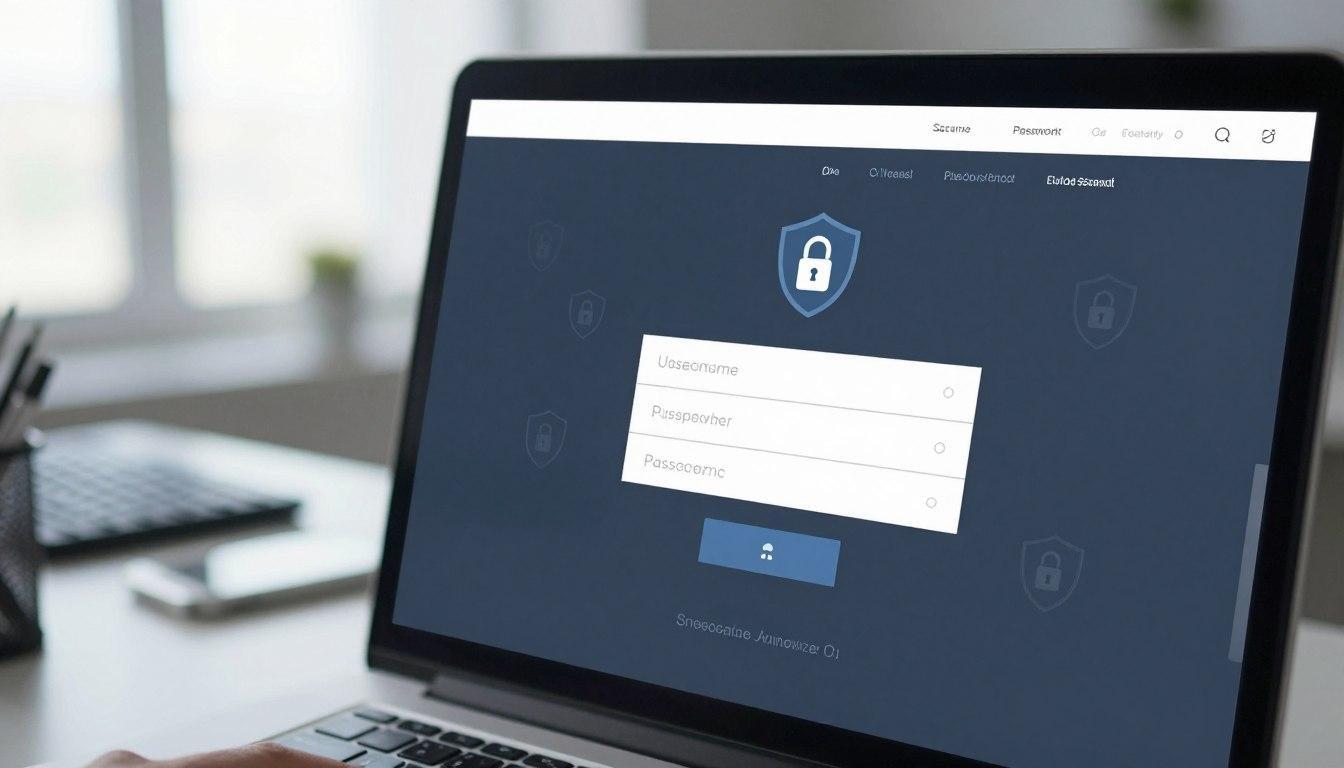
The web address in your browser is your first defense. Attackers often use domains that look almost the same as the real one, changing just one letter or using a different extension. Always check the URL to make sure you're on the right site before you enter your login details.
A secure login page will always have HTTPS encryption. If your browser shows a "Not Secure" warning, the site doesn't protect your data. Modern browsers like Chrome warn about password fields on these sites because they're prime targets for hackers.
Recognizing Poorly Designed Login Interfaces
A professional login page design should look polished and match the website's style. If the layout seems awkward or the colors are off, pause and think. Trust your gut if something seems wrong, as attackers often hurry their work.
Look out for typos and blurry logos on a site. These are signs of a fake site. A custom login page from a trusted company will never have these mistakes.
Be cautious of sites with unexpected pop-ups or redirects. These tactics are used to sneak past security or trick you into downloading malware. If a site acts strangely, close it right away and don't interact with it.
Why GemBet Login Pages Set the Industry Standard
Effective login page development is key to keeping player trust high. In the digital gaming world, the login page is the first defense against unauthorized access. Platforms that focus on user safety through design choices lay a strong foundation for success.
Trust and Reliability in the Online Casino World
Players in Singapore and worldwide want a smooth, secure experience when logging in. GemBet login is known as the most trusted name in online casinos. It focuses on transparency and stability, ensuring every interaction is smooth.
Reliability goes beyond just being online. It's about the peace of mind that comes with knowing your data is safe. When users feel secure, they can enjoy the platform more. This focus on excellence makes it the industry's gold standard.
Advanced Security Protocols for User Protection
Advanced login page optimization techniques keep threats away. Developers use encryption and real-time monitoring to protect sensitive information. These measures are crucial for the gaming ecosystem's integrity.
The table below shows the key security features of a top-notch login environment:
|
Security Feature |
Functionality |
User Benefit |
|
SSL Encryption |
Data scrambling |
Prevents interception |
|
Real-time Monitoring |
Threat detection |
Blocks unauthorized access |
|
Optimized UI |
Fast loading |
Reduces session errors |
|
Secure Authentication |
Identity verification |
Protects account integrity |
By investing in these advanced protocols, platforms show their commitment to users. Regular updates and careful login page development help the system stay ahead of digital threats. This proactive approach ensures a safe and enjoyable experience for all.
Best Practices for Maintaining Account Security
Protecting your personal data starts with smart habits. By following login page best practices, you can lower the risk of unauthorized access. These steps help keep your digital footprint safe from threats.
Implementing Multi-Factor Authentication
Multi-factor authentication (MFA) adds a crucial layer of defense. Even if someone finds your password, they can't get in without the second factor. Always enable this feature when it's available.
MFA uses a mobile app notification or a time-sensitive code. It makes a secure login page much harder for hackers to breach. Adding MFA is a simple yet effective way to strengthen your account security.
The Value of Strong and Unique Passwords
Using the same password everywhere is risky. If one site gets hacked, all your accounts are at risk. Strong, unique passwords are your first line of defense.
Don't click on links in emails that ask for your login info. Instead, use a trusted app, bookmark, or type the URL yourself. This way, you avoid fake sites that try to steal your login details.
Avoiding Public Wi-Fi for Sensitive Access
Public Wi-Fi in cafes or airports is not secure. It's a risk for data theft. Avoid logging into sensitive sites on these networks. If you must, use a VPN to encrypt your connection.
The table below shows how these security habits improve your digital safety:
|
Security Practice |
Risk Level |
Primary Benefit |
|
Multi-Factor Authentication |
Very Low |
Prevents unauthorized entry |
|
Unique Passwords |
Low |
Limits breach impact |
|
Avoiding Public Wi-Fi |
Moderate |
Stops data interception |
|
Manual URL Entry |
Low |
Avoids phishing attempts |
The Role of Responsive Login Page Design in Trust
Today's users want a smooth experience, and a responsive login page is key. A well-designed site shows it's professional and cared for. Looks matter, but security is just as crucial.
Why User-Friendly Login Page Layouts Matter
A user-friendly login page is more than looks; it's clear. Easy-to-spot fields and buttons mean fewer mistakes. This makes logging in less stressful.
Here's what makes a login page trustworthy:
- Clear input fields to avoid mistakes.
- Visible security indicators for safety.
- Logical flow for easy navigation.
Ensuring Compatibility Across Mobile and Desktop Devices
You might use different devices to log in. A login page design that fits any screen size is essential. It shows a service is reliable.
But design isn't everything. Even the best user-friendly login page can't replace security. Always check your browser's security warnings for a safe connection.
"Good design is obvious. Great design is transparent."
— Joe Sparano
A responsive login page should work well on any device. By mixing great design with strong security, sites offer a safe and easy experience for all.
Conclusion
Your online safety starts with small daily choices. Checking a login page before entering your details is a strong defense against cyber threats. This simple step keeps your personal info safe from unwanted eyes.
Platforms like GemBet show how design and encryption protect users. Always look for these signs on any website in Singapore. A secure connection is key to a good online experience.
You can control your security by being vigilant and informed. Use strong passwords and extra verification steps when you can. These steps build a strong wall against unauthorized access.
Stay up-to-date with the latest security trends to keep your data safe. Share these tips with friends to help everyone stay safe online. Your dedication to digital safety makes the internet better for all.
FAQ
Why is it vital to check the address bar on login pages before entering my password?
Checking the address bar is your first defense. A "Not Secure" label means your connection isn't private. Always look for the padlock icon to ensure your data is safe.
How can I distinguish between a legitimate site and a phishing attempt during login page development?
Attackers might use small tricks, like misspellings in URLs. Look for a polished interface that matches the official brand. If Chrome warns you about a password field, it's a big red flag.
What role does a user-friendly login page play in my digital safety?
A good login page shows a brand's professionalism and security. It's not just about looks. A trusted provider will balance design with security.
Why is a responsive login page important for mobile users?
We use different devices all the time. A responsive login page keeps security consistent across devices. This helps you spot any issues quickly.
What are the top login page best practices for keeping my account safe?
Enable multi-factor authentication (MFA) for extra security. Use strong, unique passwords. And never log in on public Wi-Fi.
How does login page design impact the overall trust of a website?
Good design shows a site is legitimate and well-kept. Sites with poor design might not protect your data. Trust comes from a secure login page and encryption.