
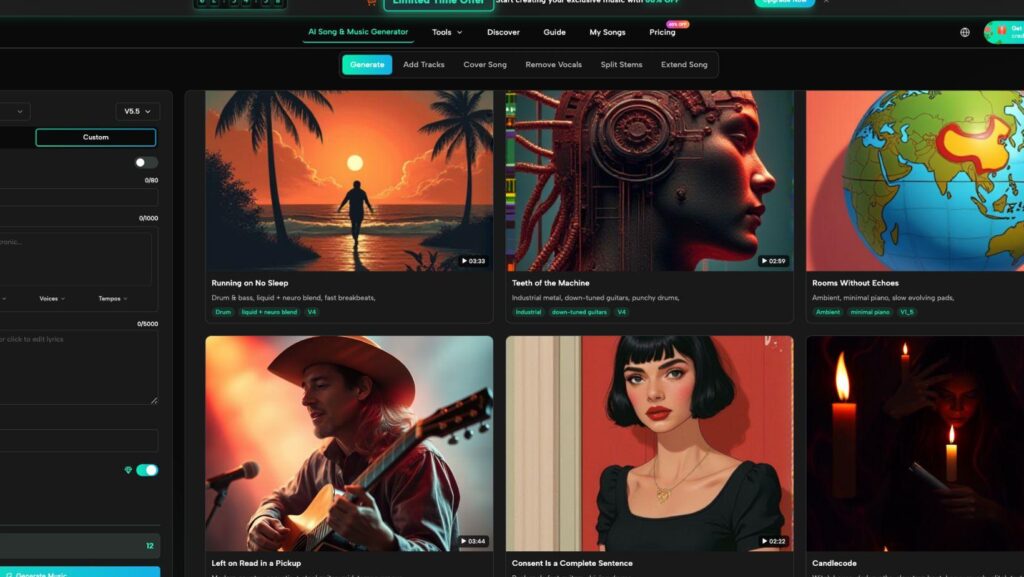
You have a video to finish, a presentation that needs energy, or a personal project that feels flat without music. The problem is often the gap between hearing a sound in your head and turning that idea into a usable track. Traditional music production can involve instruments, recording software, arranging, and a long learning curve. Tools such as AI Song offer another starting point: describe what you want or provide lyrics, then use AI to turn that direction into a complete piece of music. The useful question is how to use it carefully so the result fits a real project.
Start With the Job the Music Needs to Do
Before writing a prompt, decide what role the track will play. A creator making a short product video needs something different from a student building a class presentation. A podcaster may want a restrained intro, while someone making a birthday slideshow may prefer something warm and memorable.
Write one sentence that describes the job. For example: “I need upbeat background music for a 45-second travel montage that feels energetic but does not overpower narration.” That sentence is more useful than starting with a genre name alone.
Then separate the idea into a few concrete choices:
- purpose: intro, background, full song, mood piece, or soundtrack;
- energy: calm, steady, playful, tense, or energetic;
- style: pop, electronic, acoustic, cinematic, rock, or another clear direction;
- voice: instrumental or vocal;
- emotional result: what should the listener feel?
This prevents the common mistake of generating music first and forcing it into a project later.
Turn a Plain-Language Idea Into a Better Music Brief
AISong supports generating music from text ideas or lyrics, so you do not need to begin with formal music theory. Describe the sound in normal language, but give enough detail to guide the result.
Compare these two directions:
“Make happy music.”
“Create bright acoustic pop with light percussion, warm guitar, a relaxed tempo, and an optimistic mood for a weekend travel video.”
The second version gives the generator several useful decisions. It says what the track should sound like, how fast it should feel, and where it will be used.
Avoid a paragraph full of conflicting requests. Asking for “slow, energetic, minimal, huge, peaceful, aggressive” music at once creates an unclear target. Start with one dominant mood and one main style.
Three Ways to Build a Strong First Draft
The first generation should be treated as a draft. AISong provides both Simple and Custom creation paths, so you can choose how much direction to give.
1. Use Simple Mode When the Idea Matters More Than the Lyrics
Simple Mode is useful when you have a concept but do not want to write every line yourself. You can describe the theme and musical direction in everyday language.
Imagine you are making a short recap of a weekend road trip. Instead of writing verses first, describe the feeling: upbeat indie pop, light drums, bright guitar, youthful vocals, and a chorus about driving toward somewhere new.
This works well when speed matters more than detailed lyrical control. It can also help you explore possibilities before committing to one direction.
2. Use Custom Mode When Words Need to Stay Specific
If your project depends on exact lyrics, Custom Mode is the better starting point. AISong allows users to enter their own lyrics and use structural labels such as verse, chorus, or bridge.
That matters for personal songs, branded ideas, character themes, or any situation where particular words need to appear. A creator making a graduation song may want to include a school name, a shared memory, or a specific message.
Keep the lyrics simple. A clear chorus with one memorable idea is often more useful than filling every line with complicated imagery.
3. Generate Around the Same Idea More Than Once
One prompt can produce different musical interpretations. Instead of endlessly rewriting the idea after one result, compare several versions of the same core direction.
Listen for practical differences. Does the chorus arrive too late? Is the vocal delivery too dramatic? Does the rhythm fight with your video editing? Does the instrumental leave enough room for speech?
This is where an AI Music Generator becomes useful as an exploration tool. The goal is not to accept the first output. It is to narrow the choices until one version matches the job you defined.
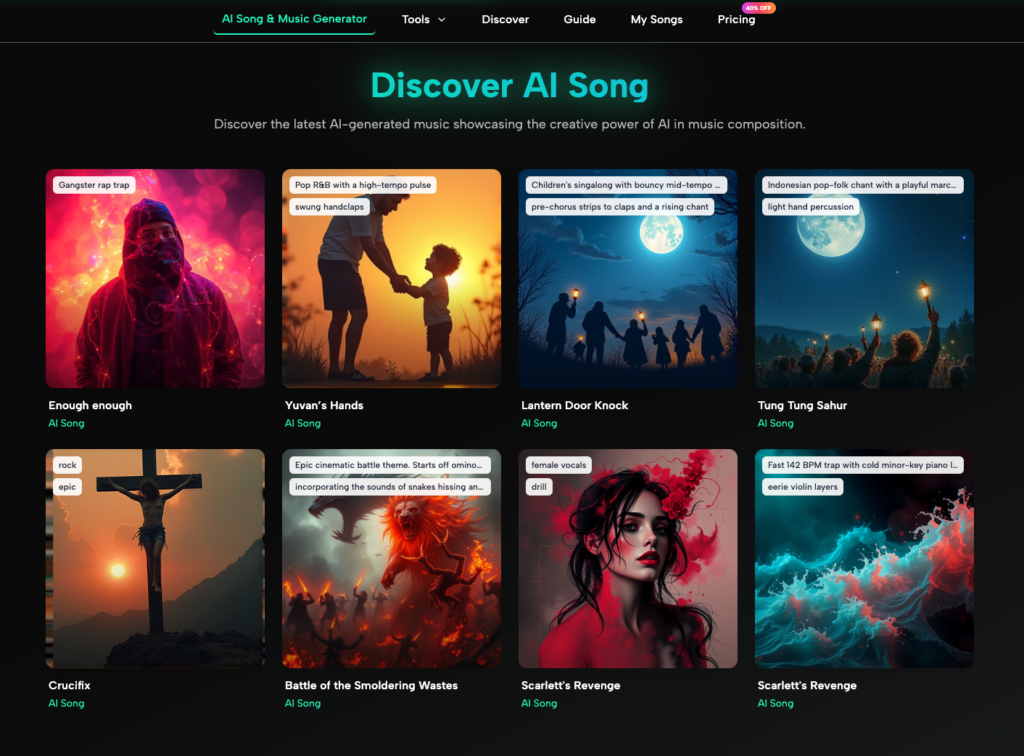
Make the Track Fit the Content Around It
A song can sound good by itself and still fail inside a real project. Always test it where it will actually be used.
For a video, place the track under the rough edit. Check whether scene changes land naturally with the rhythm. If there is narration, ask whether the voice remains easy to follow. Busy vocals or dense instrumentation can compete with spoken content.
For a presentation, play the music while advancing through several slides. If the track constantly demands attention, it may be too intense.
For a personal song, read the lyrics without music. Awkward wording becomes easier to notice on the page. Then listen again and check whether the melody makes important lines easy to understand.
Common Mistakes That Make AI-Generated Music Feel Generic
The fastest way to improve results is to remove vague decisions.
First, do not rely on genre alone. “Pop song” leaves too many choices open. Add mood, instrumentation, pacing, and purpose.
Second, do not overload the prompt with references. A clean direction usually produces a clearer target than many competing influences.
Third, avoid lyrics that explain everything. Songs work through repetition, imagery, rhythm, and memorable phrases.
Fourth, remember the surrounding content. A great standalone song may be a poor background track if it is too busy.
Finally, revise the input before adding more features. Often the prompt simply does not say what matters most.
A Simple Workflow You Can Reuse
A repeatable process keeps experimentation focused:
- Write one sentence describing what the music must accomplish.
- Choose the main mood, style, and whether you want vocals.
- Decide whether you need automatic lyrics or your own exact words.
- Generate a first version and listen without editing anything.
- Note two or three specific problems rather than saying “I do not like it.”
- Adjust the description or lyrics based on those problems.
- Test the strongest version inside the real project.
This process works because every revision has a reason. You are responding to something you can hear.
When AI Music Is a Good Starting Point
AI music tools are practical when you need to move from an idea to an audible draft quickly. They can help creators who do not play instruments explore directions, give writers a way to hear lyrics in context, and let small teams test different moods before choosing one.
They are less useful when you have no clear goal. “Make something good” still leaves the most important creative decision unanswered.
Treat the generator as the middle of the process. Your first task is to define the purpose. Your last task is to judge the result in context.
Conclusion
Creating music without a traditional studio becomes easier when you stop thinking about the task as “make a song” and start with a specific use. Decide what the track needs to do, describe the mood and style in plain language, choose how much control you want over the lyrics, and test several versions in the project itself. That approach keeps AI generation practical instead of random. You do not need to master every production technique before experimenting, but you still need to make clear creative choices. Start with one real project, define the musical job in a single sentence, and build from there.